Whether you’re tweaking your travel pics or giving your selfies a pro touch, you don’t always need fancy desktop software.
These days, your Chrome browser can be your mini editing studio — with powerful tools that run right in your tabs! Here are some of the best photo editors you can try on Chrome this year:
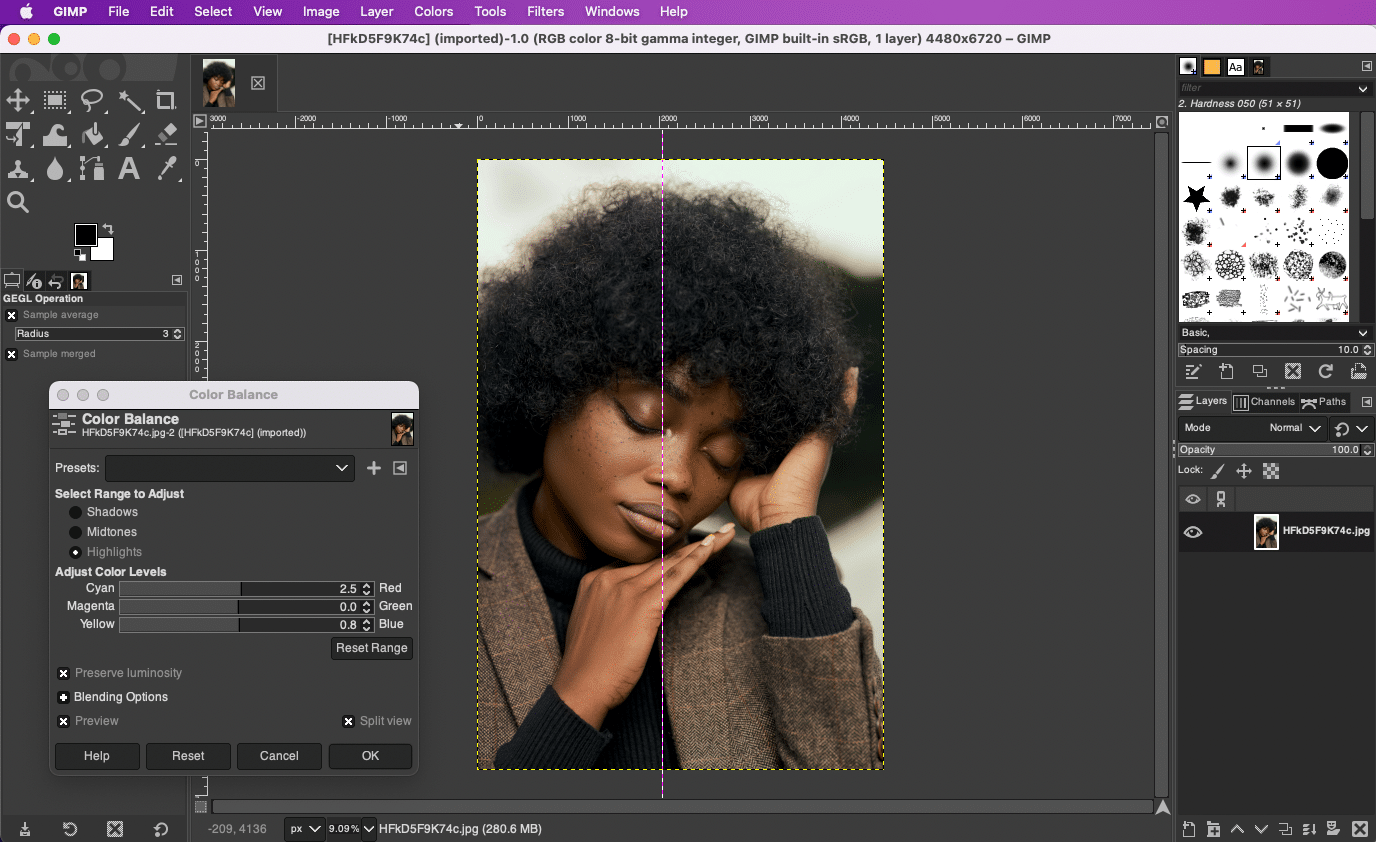
1. Pixlr X

Pixlr has been around for ages, and Pixlr X is its sleek, beginner-friendly version.
✅ Cloud-based — no downloads needed
✅ One-click filters, retouch tools, layers, and templates
✅ Works well on low-powered Chromebooks
2. Photopea

Photopea is like having Photoshop in your browser — but free!
✅ Supports PSD files, layers, and advanced masking
✅ Great for designers and photographers who want pro tools on the go
✅ Runs smoothly in Chrome without extra plugins
3. Canva

Yep, Canva isn’t just for social media posts. It’s a fantastic Chrome-friendly photo editor too!
✅ Drag-and-drop interface, templates, and stock elements
✅ Quick color grading, cropping, and text overlays
✅ Perfect for creating thumbnails, collages, and more
4. Polarr

If you’re all about stylish filters, Polarr is a must-try.
✅ Beautiful filters and overlays for mood edits
✅ Face retouching, spot removal, and gradient tools
✅ Syncs edits across your devices
5. Fotor

Fotor is a solid all-rounder for quick touch-ups and batch editing.
✅ Basic edits, HDR effects, collage maker
✅ AI-powered tools for fast adjustments
✅ Clean and intuitive interface in Chrome
✨ Pro Tip: Keep It Cloudy ☁️
All these tools run in the cloud, so you won’t be clogging up your Chromebook’s storage. Just make sure you’ve got a decent internet connection for smooth editing!
Photo Credits: Format